 Markit | Docs
Hosting Webinars
Host and manage webinars directly on Markit
How to Set Them Up (Creation Screen)
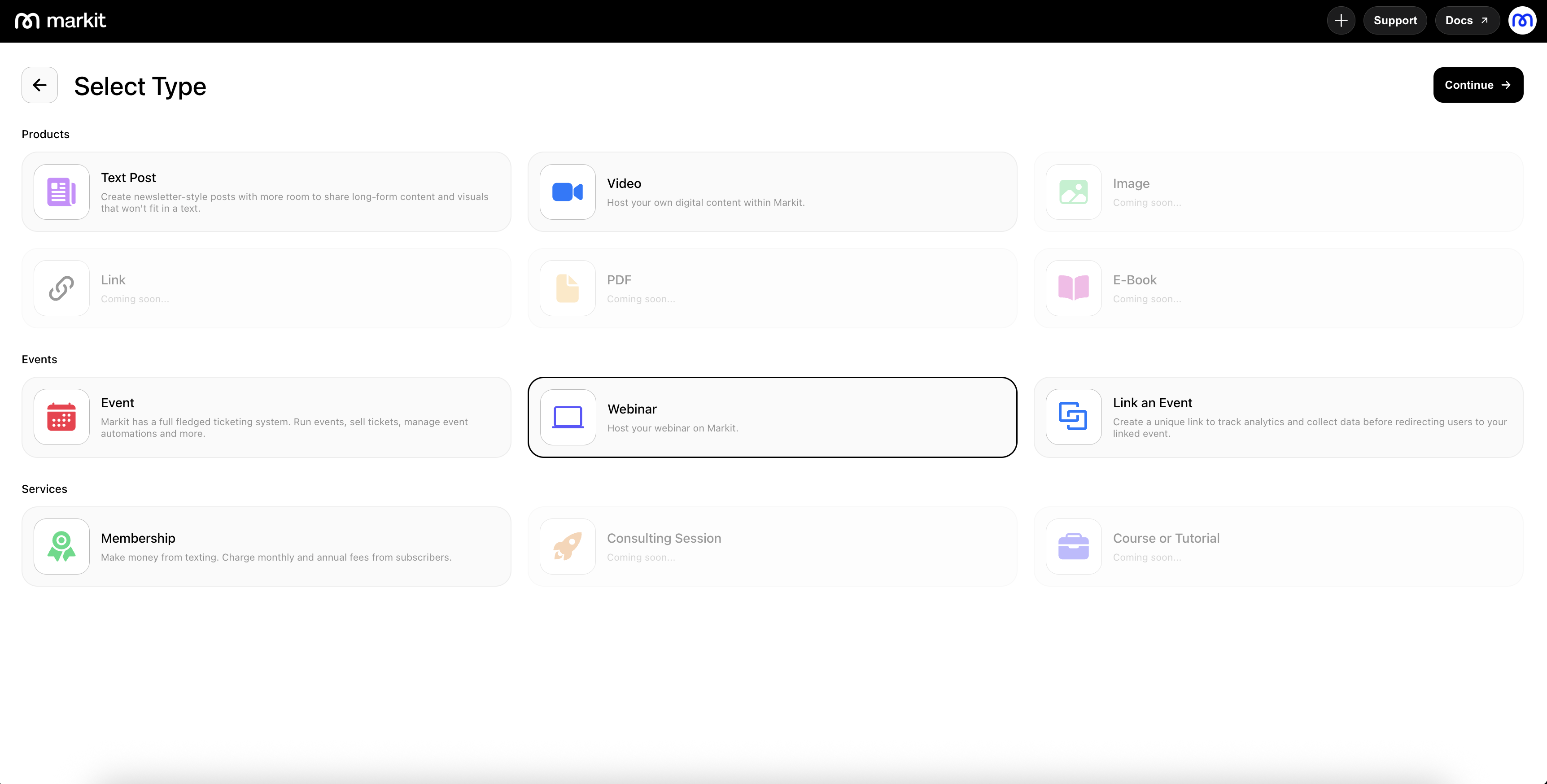
You can set up webinars directly from the creation screen, where you’ll be able to add all the essential details needed to run a live virtual session.
Creating Webinars
To create a webinar, navigate to the Products section and select New Product in the top-right corner. Select the webinar option and this will open a new webinar draft where you can begin entering your information.
You can attach your meeting link—such as Zoom, Google Meet, or any other platform—simply by pasting it into the location field. Once added, the webinar will automatically route attendees to the correct meeting space.
Dashboard
Webinars use a streamlined version of the event dashboard, giving you familiar tools to manage attendees, monitor engagement, and adjust settings. All meeting link related settings must be managed externally.