 Markit | Docs
Videos
Host your own high-quality video content or tutorials directly within Markit.
Hosting a Video
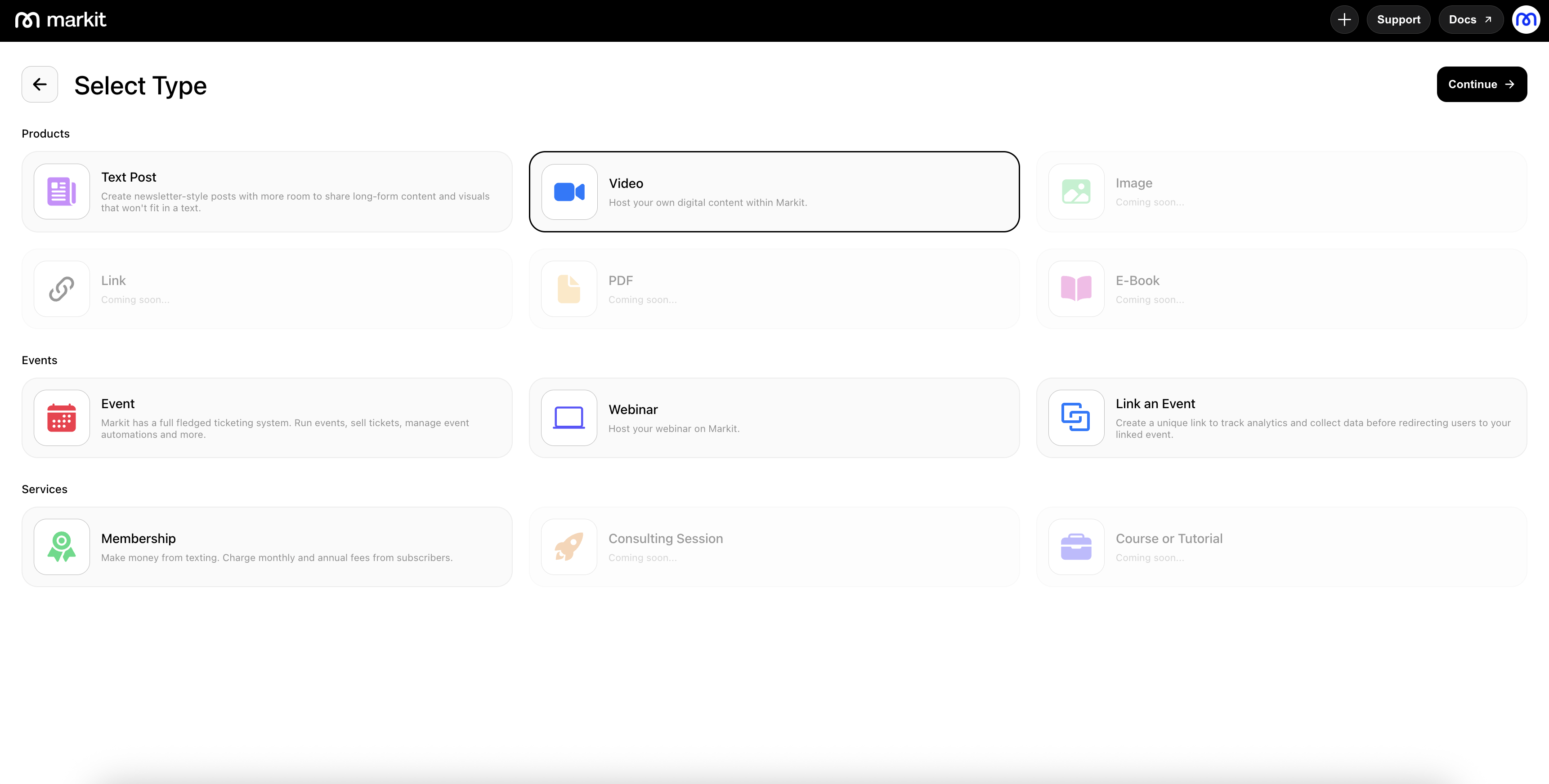
To host a new video, go to the Products tab and select "New Product" on the top-right. Then, select the "Video" option and press "Continue" on the top-right.
Upload Screen
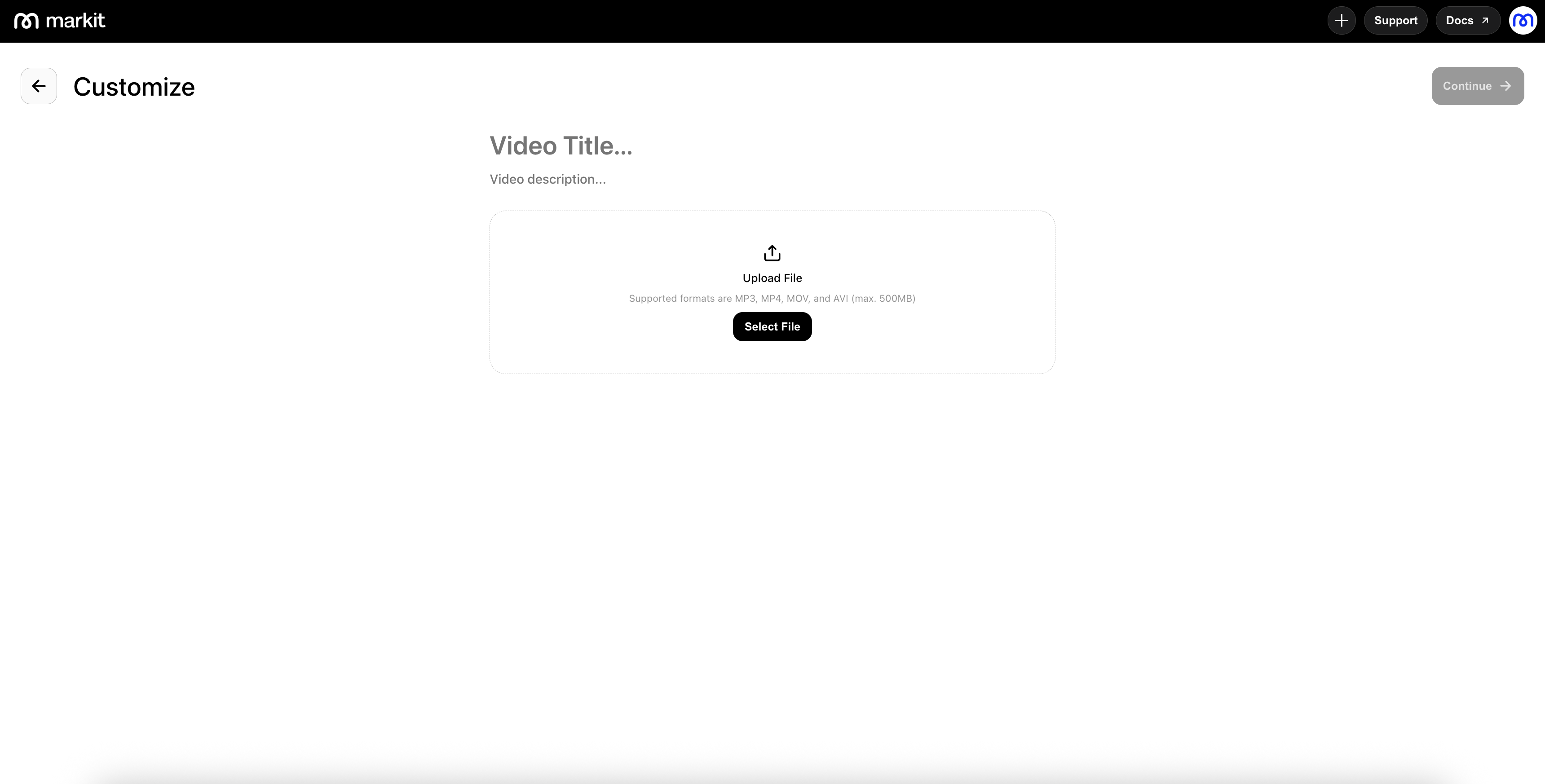
The upload screen allows you to upload a video file from your computer. Within our mobile app, you can also directly record your own video instead of uploading an existing video.
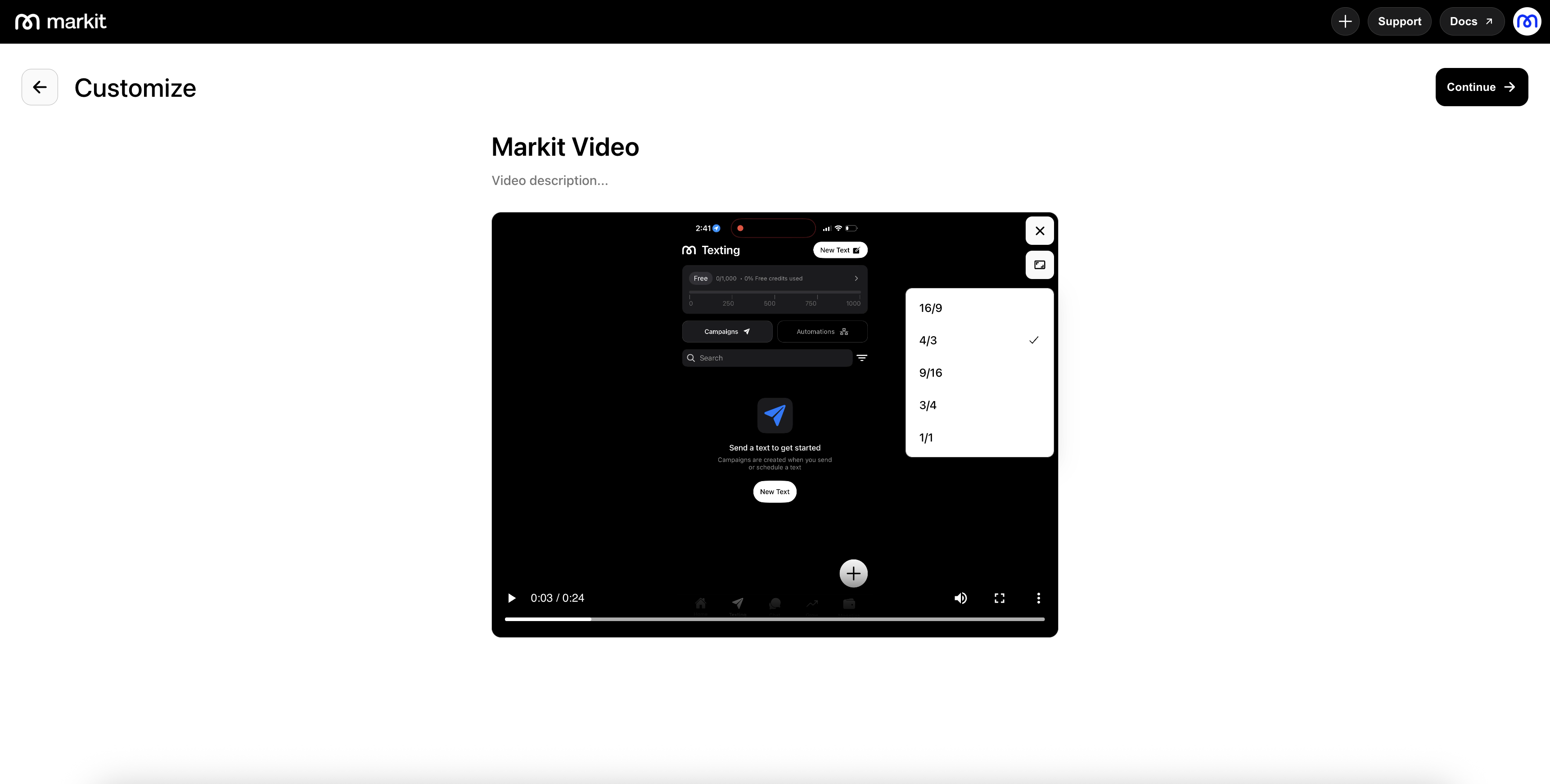
After adding your video, you can preview and play the video. The aspect ratio defaults to the standard format from the video's dimensions, but you can modify the aspect ratio from a set of options. Additionally, on upload, a thumbnail image is generated from the video, providing a screenshot from the start of the video. This can be modified in the next stage.
Settings
Within the settings panel, you can control who is allowed to view your product by adjusting visibility options such as "Anyone" or "Checkout," which ties directly into your memberships. You can also toggle whether to "Allow Download" to decide whether the viewer can download the content.
You will also see the thumbnail image for your product in the "Social Preview" section. This is what will be used on link previews and on your profile link in bio page.