 Markit | Docs
Text/Blog Posts
Create newsletter-style posts with more room to share long-form content and visuals that won't fit in a text.
Creating a Text Post
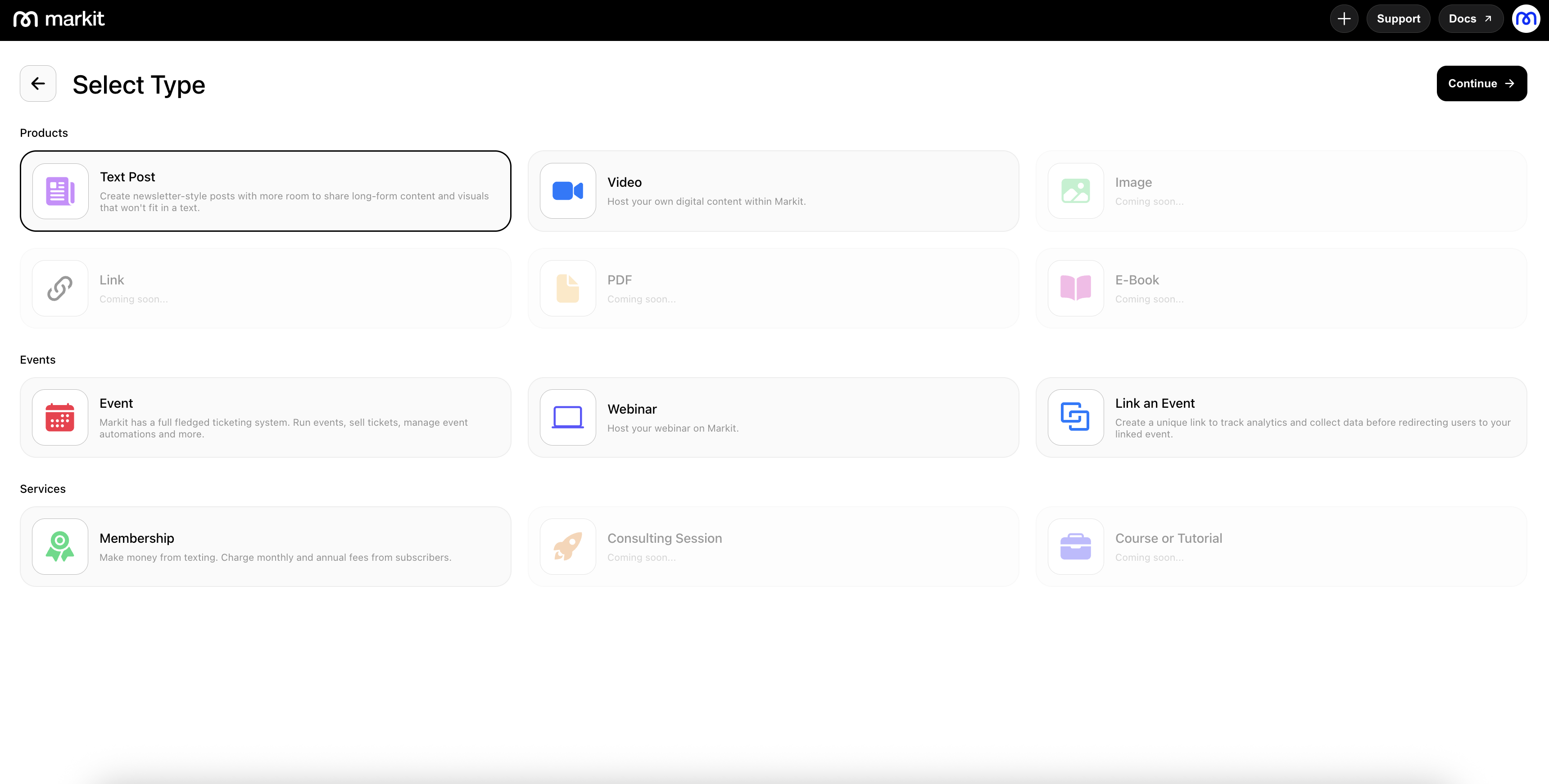
To create a new text post, go to the Products section and click New Product in the top-right corner. This will start a fresh post and take you into the drafting experience.
Drafting Screen (Images, Formatting, Links)
The drafting screen gives you a powerful editing environment similar to popular blogging platforms like Substack, Patreon, or Beehiiv.
Here, you can add a title and subtitle, upload images, insert links, and format your text using different font weights, styles, and layout options to create a polished and engaging post.
Settings
Within the settings panel, you can control who is allowed to view your product by adjusting visibility options such as “Subscribers Only” or “Paid Subscribers Only,” which ties directly into your memberships.
You will also see the thumbnail image for your product in the "Social Preview" section. This is what will be used on link previews and on your profile link in bio page.