 Markit | Docs
Linked Events
Link external events to Markit
How to Set Them Up (Creation Screen)
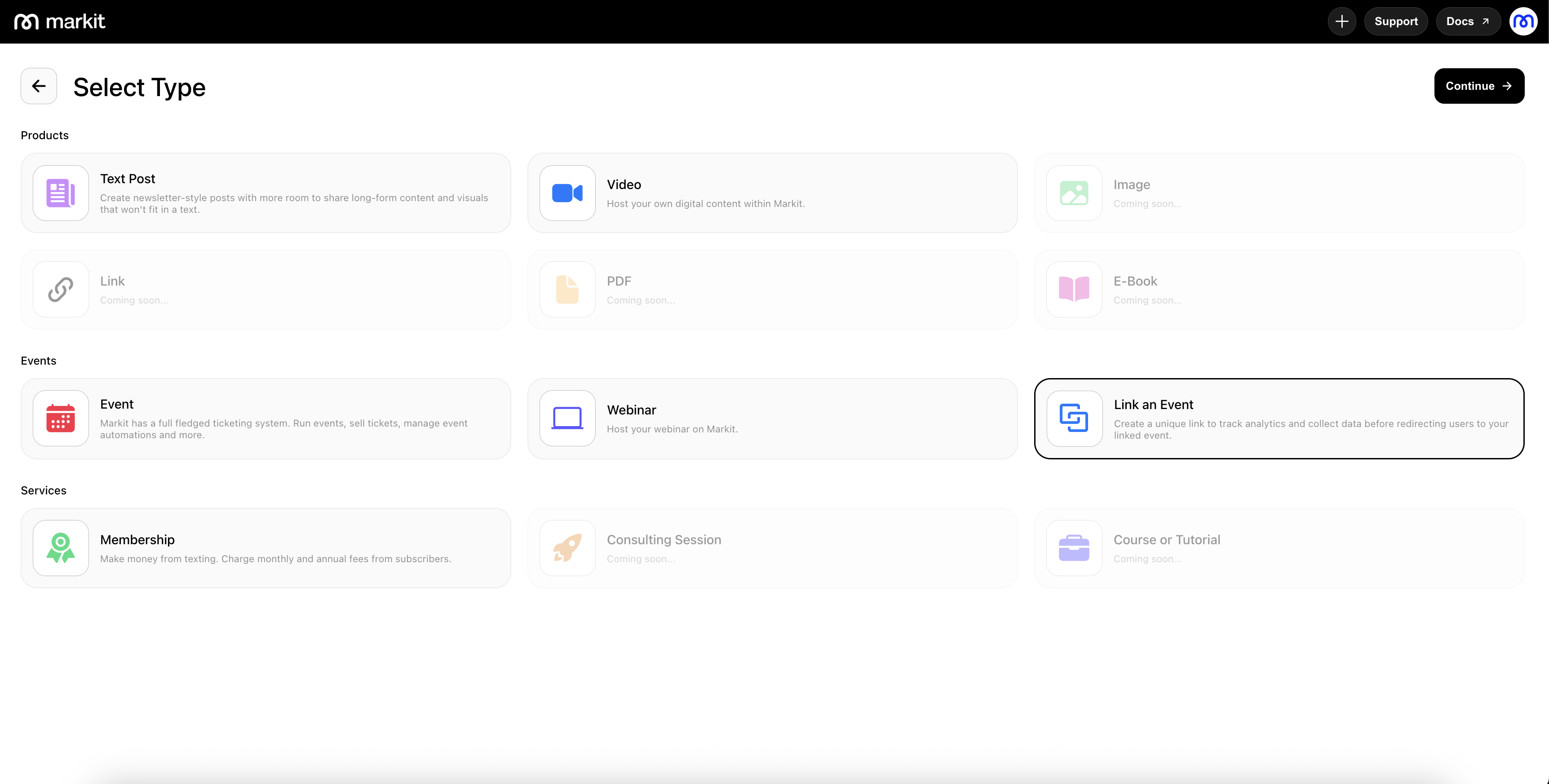
You can set up Linked Events directly from the event creation screen, where you’ll be able to attach an existing event to a new one. This setup ensures that related events share key information and remain connected for easier management.
Creating Linked Events
To create a Linked Event, start by navigating to the Products section and selecting New Product in the top-right corner.
You can link an event simply by pasting the event link into the designated field. Once pasted, the system will automatically detect and attach the chosen event.
Markit will auto-fill as much information as possible based on the original event, saving you time and reducing errors. However, you can still manually update or replace any fields if adjustments are needed.
Dashboard
Linked Events come with a general dashboard that provides a simplified version of the full event dashboard. This gives you the essential tools needed to manage the linked event while also allowing you to navigate to the full event dashboard whenever you need more detailed controls.