 Markit | Docs
Import existing contacts
Bring your existing audience into Markit — from a spreadsheet, your phone contacts, a manual add, or the API.
If you already have an audience somewhere else, you don't have to start from scratch. Markit gives you four ways to bring your existing contacts in.
Upload a CSV
The fastest way to bring in a large list. Format a spreadsheet with full name and phone number in two vertical columns, then import it from the + button in the top right on desktop, or visit Audience → Import.
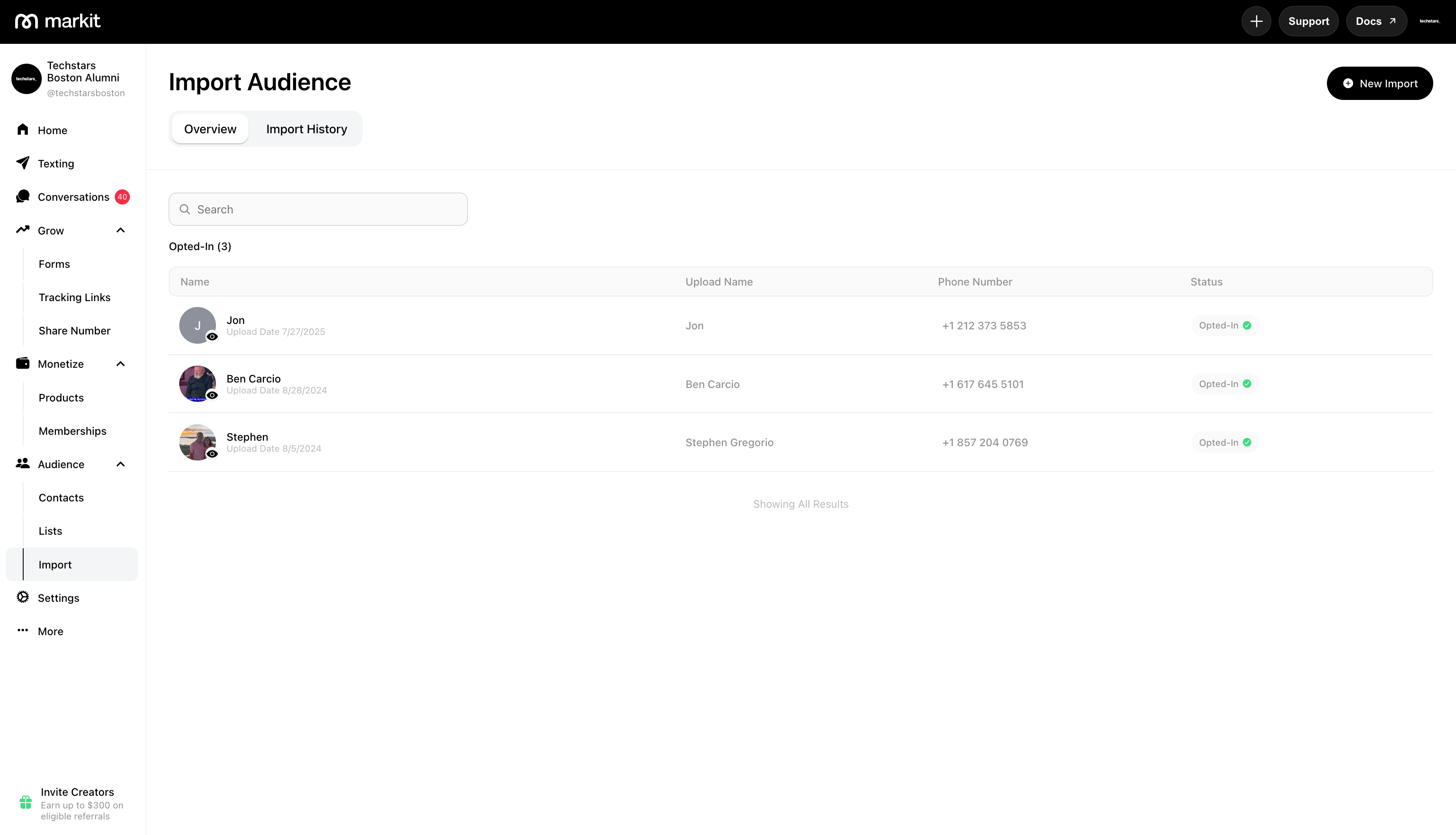
During import you'll assign columns to data types and optionally segment contacts into lists. The full walkthrough is in Import CSV.
Requires: Markit+ (Pro or Business plan). Not available on mobile.
Upload Phone Contacts
Beyond importing a CSV, Markit also lets you bulk import your phone's contacts directly within the mobile app. It's an extremely easy way to sync your existing numbers onto Markit without formatting a spreadsheet first.
From the Audience tab in the mobile app, tap Import Contacts to pull contacts straight from your phone's address book. Markit reads the names and phone numbers from your device and adds them to your audience — the same way an imported spreadsheet does, but with no formatting required.
This is the fastest way to get your existing numbers onto Markit if they're already saved to your phone. If you'd rather import from a spreadsheet (also available on desktop), see Import CSV instead.
Add a Contact Manually
To add a single contact, go to Audience → Contacts on desktop or the Audience tab in the mobile app and tap Add Contact. Enter their full name and phone number and you're done.
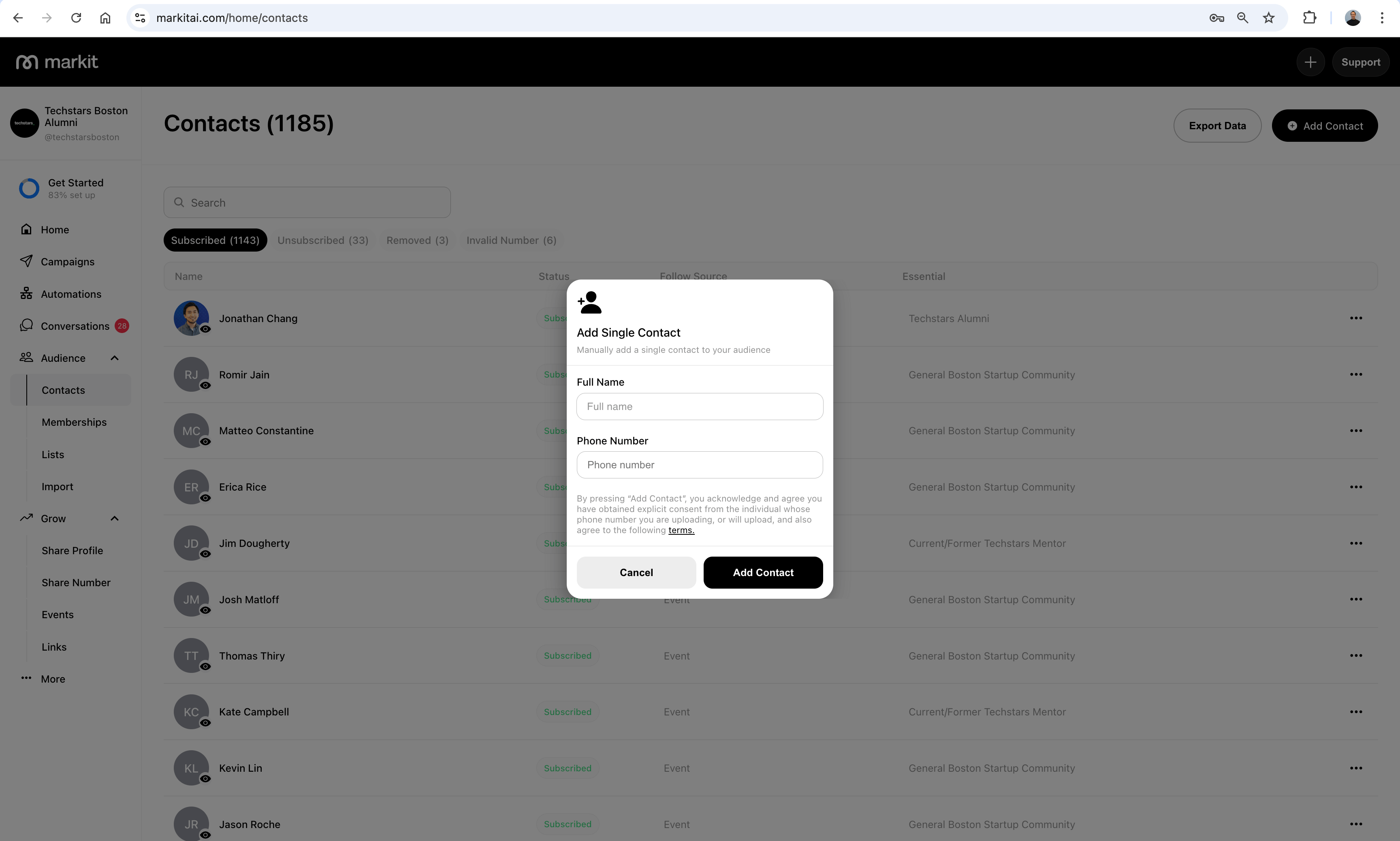
See Add Contacts for more detail.
Use the Markit API
If you're syncing contacts from an external system — a CRM, ticketing platform, or your own database — you can add contacts programmatically via the Markit API. See the Contacts API reference for endpoints and example responses.
Important: By importing contacts through any of these methods, you confirm you have obtained explicit consent from each individual whose phone number you are uploading and agree to our terms of use.