 Markit | Docs
What is the Markit MCP?
Connect Claude, ChatGPT, and other AI assistants to your Markit account
Markit's MCP server lets you connect AI assistants like Claude and ChatGPT to your Markit account, so they can work with your texting and audience for you. MCP (Model Context Protocol) is the open standard these assistants use to connect to other apps.
Server URL
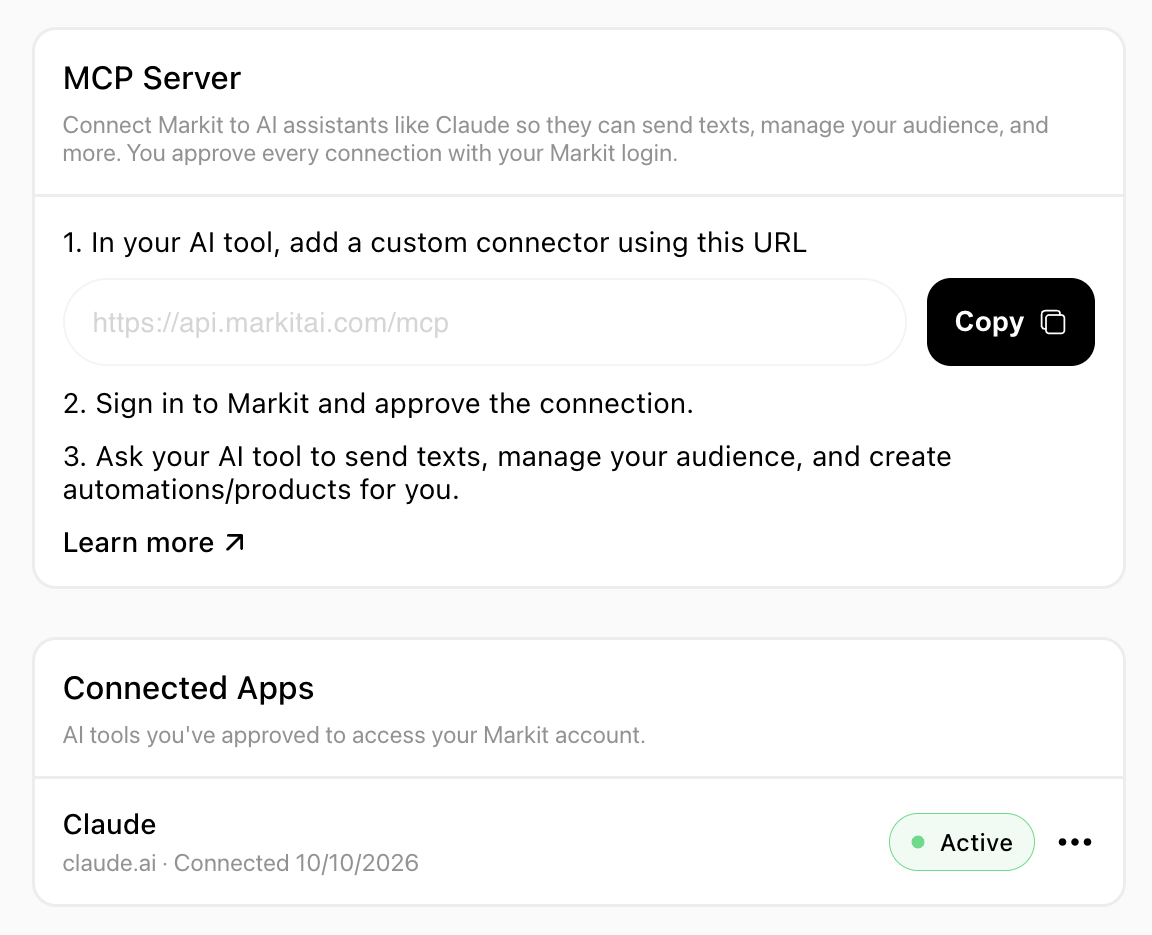
Every AI tool connects to Markit with the same URL:
Paste it into your AI tool, sign in with your Markit login, and approve the connection. See Connect your AI tool for step-by-step instructions for each app.
How connecting works
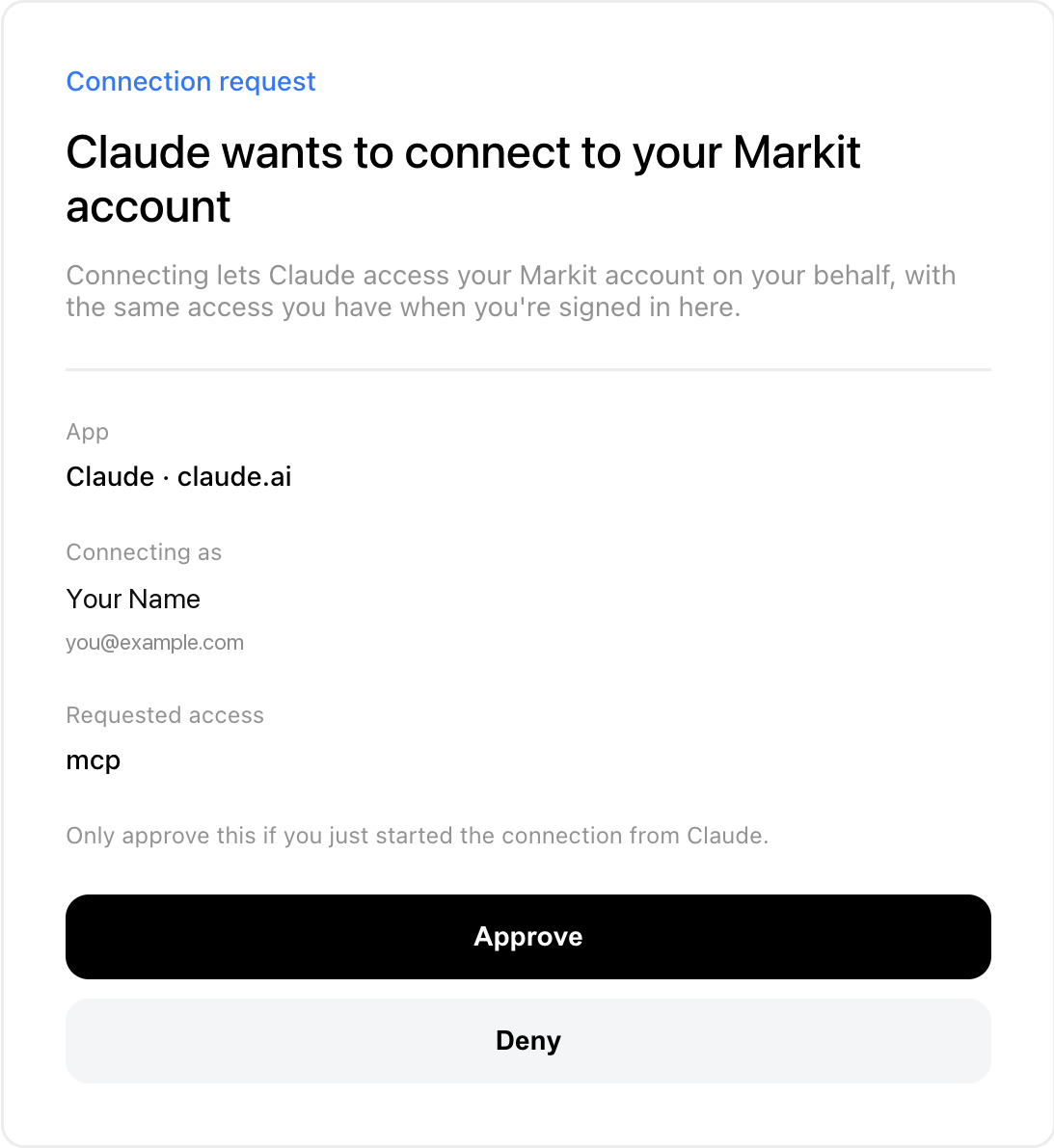
- You approve every connection. When an AI tool connects, Markit opens a consent screen where you sign in with your normal Markit login and choose Approve or deny.
- Access is limited to your account. An approved app can only reach the Markit account you approved it for.
- There's no key to manage. You don't copy or store any secret. To cut off an app, disconnect it in Markit (see Disconnecting an AI tool).
Who can use it
AI tools are available on the Essential plan or higher (Essential, Pro, and Business, plus the legacy Professional and Business plans). Free trials of these plans count. Check out our pricing here.
- Team members can connect an AI tool too. It works on the team owner's account, the same way the Markit dashboard does.
- Paused subscriptions or failed payments block AI tools until the subscription is resumed or the payment method is updated.
Where to find it in Markit
- Settings → MCP shows the server URL with a Copy button, quick setup steps, and your Connected Apps list.
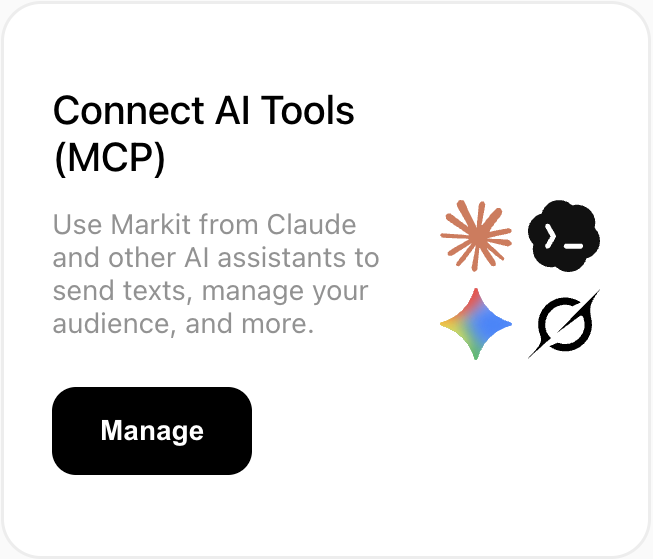
- Integrations has a Connect AI Tools (MCP) card that takes you to the same place.
MCP vs. the Markit API
Markit has two ways to connect other software to your account:
| Markit MCP | Markit API | |
|---|---|---|
| Built for | AI assistants (Claude, ChatGPT, and others) | Developers writing their own code |
| How you connect | Sign in with Markit and approve | An X-API-Key header with a key you generate |
| Plan | Essential or higher | Pro or higher |
If you're building your own integration, start with the Markit API overview.