 Markit | Docs
Connect Instagram
Link your Instagram account to Markit to enable Auto DM automations
Connecting your Instagram account to Markit only takes a few minutes. Once connected, you can set up automations that automatically DM people who engage with your content.
Before you start
Make sure you have the following before connecting:
- An Instagram Business or Creator account (personal accounts are not supported)
- Your Instagram account linked to a Facebook Page — this is required by Instagram's API
- A Markit+ Subscription
If your Instagram account is personal, you can switch it to a Creator or Business account in the Instagram app under Settings → Account → Switch account type.
Connect your account
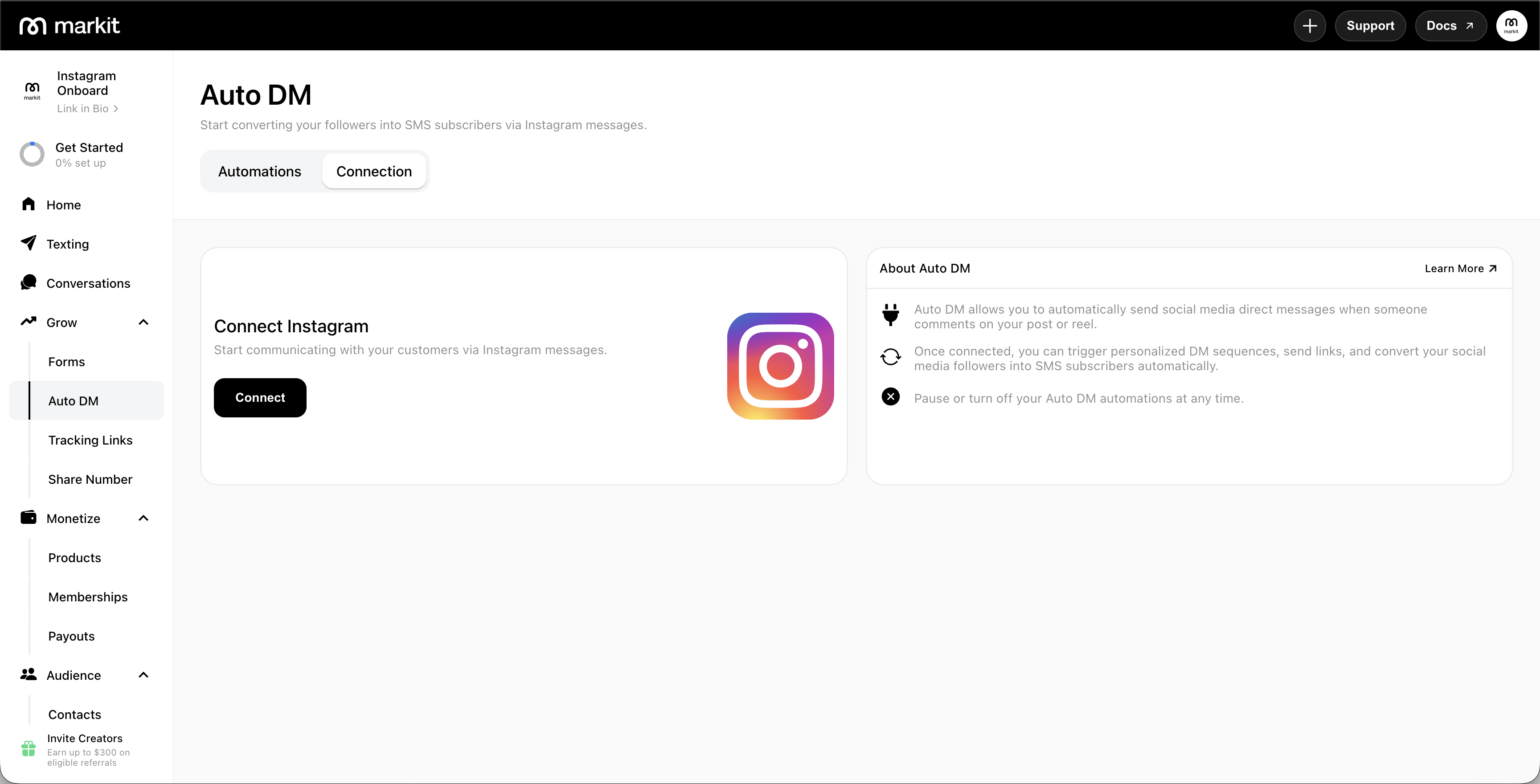
- In Markit, navigate to the Auto DM tab.
- Tap or click Connect Instagram.
- You'll be redirected to Instagram to authorize Markit's access. Log in with the Instagram account that you want to connect.
- After logging in, confirm and allow the requested permissions.
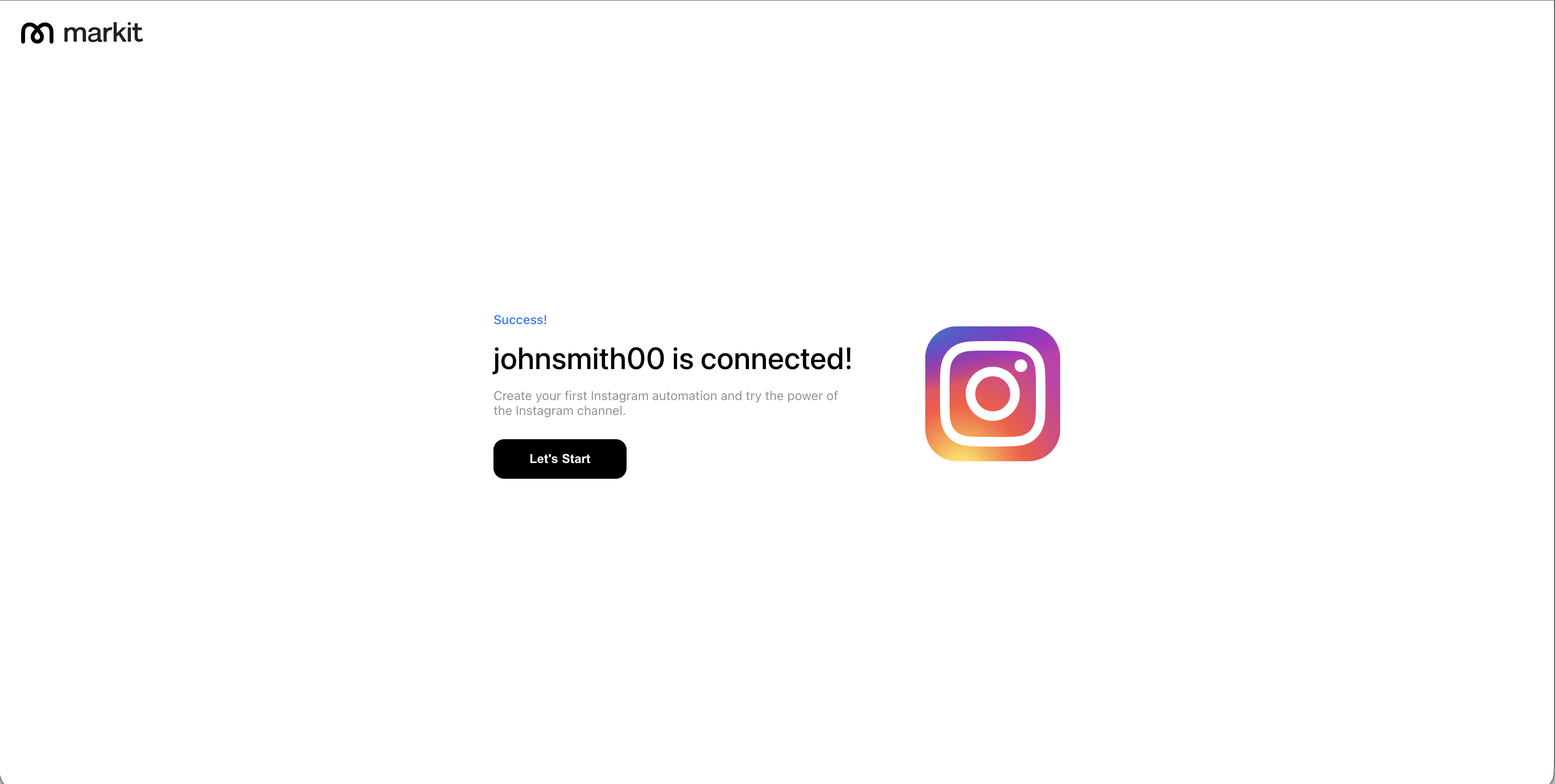
- Once authorized, you'll be redirected back to Markit. Your Instagram account will appear as connected.
Permissions
During authorization, Instagram shows Markit AI-IG and lists the permissions the app can access. You may see these five items:
| Permission | Why it's needed |
|---|---|
| Access your basic business information | Identify your connected Instagram business account |
| Access your business message information | Send automated DMs and read incoming messages for keyword triggers |
| Publish content as a business | Required for Markit to act on behalf of your business account through Instagram's API |
| Manage insights of a business | Access business account data needed to maintain your connection |
| Access your business comment information | Detect comment triggers on your posts |
Markit only uses these permissions to run your automations. For full details on how we handle your data, see our Privacy Policy and Terms of Use.
Disconnect your account
To disconnect Instagram from Markit:
- Navigate to Auto DM → Settings.
- Tap Disconnect Instagram.
- Confirm the disconnection.
Disconnecting will pause all active Instagram automations. Your automation settings are saved and will resume if you reconnect.
Pause your Instagram automations
To pause your automations on markit:
- Navigate to Auto DM → Settings.
- Tap Pause All Automations
Pausing your automations will prevent them from being triggered. You can unpause them at any time.
Frequently Asked Questions / Troubleshooting
If I disconnect my Instagram connection, will I lose all of my automations?
Nope! If you disconnect your IG from Markit, your automations will become inactive, but still saved in case you want to reconnect later.
I connected but automations aren't firing
For Markit Auto DMs to work properly, you'll need to disconnect any other apps that are overriding or managing your Instagram DMs. Having your Instagram account connected on other automation platforms may cause issues with your connection on Markit.