 Markit | Docs
Connect Instagram
Link your Instagram account to Markit to enable Auto DM automations
Connecting your Instagram account to Markit only takes a few minutes. Once connected, you can set up automations that automatically DM people who engage with your content.
Before you start
Make sure you have the following before connecting:
- An Instagram Business or Creator account (personal accounts are not supported)
- Your Instagram account linked to a Facebook Page — this is required by Instagram's API
- A Markit+ Subscription
If your Instagram account is personal, you can switch it to a Creator or Business account in the Instagram app under Settings → Account → Switch account type.
Using another automation platform? If you are currently using ManyChat, or any other Instagram comment DM tool, turn it off before connecting to Markit. Running multiple automation platforms on the same Instagram account simultaneously can cause conflicts, duplicate DMs, and unexpected behavior. Instagram also monitors accounts for unusual API activity, and overlapping tools increase the risk of your account being flagged or restricted. Disconnect or disable automations in any other platform first, then connect here.
Connect your account
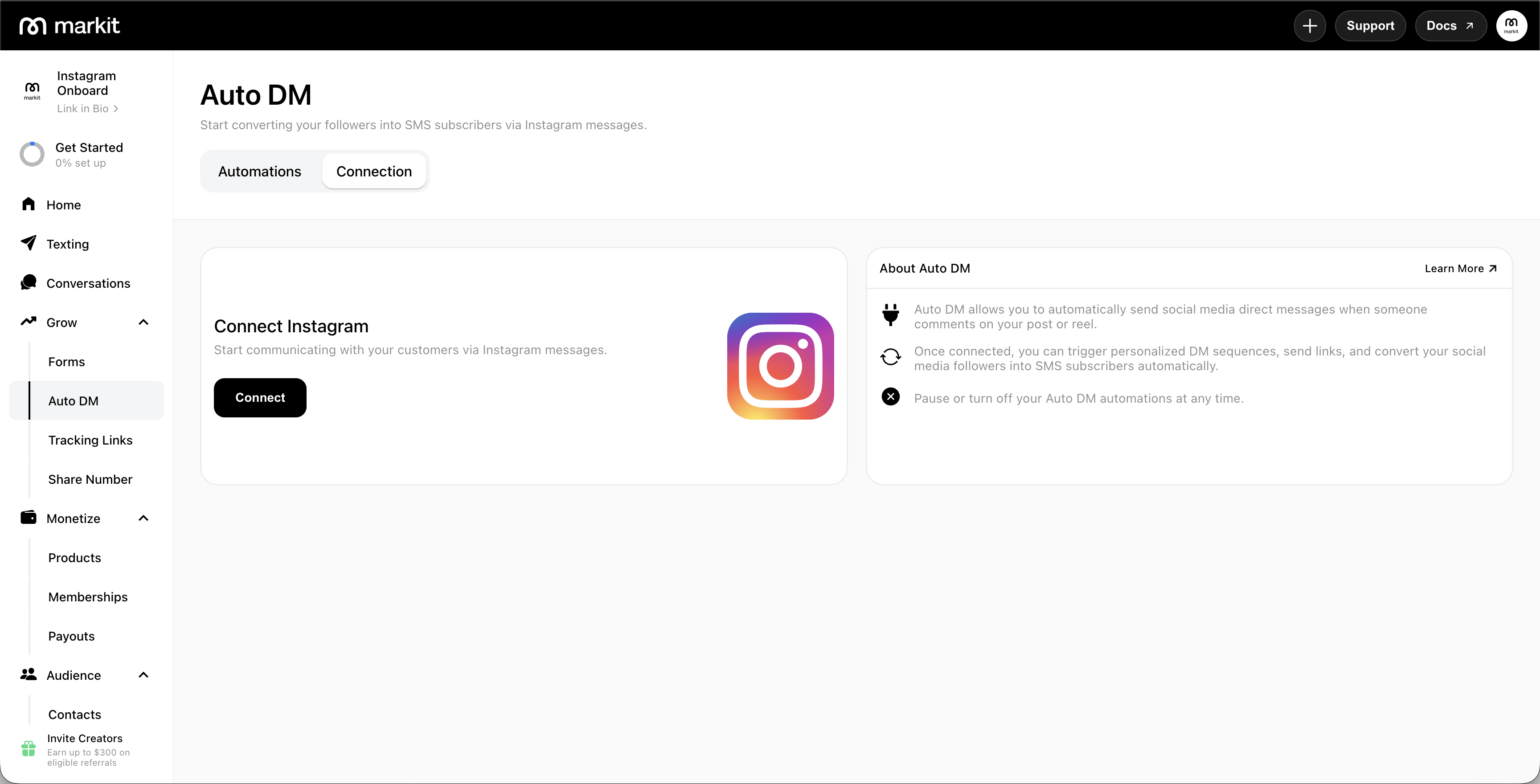
- In Markit, navigate to the Auto DM tab.
- Tap or click Connect Instagram.
- You'll be redirected to Instagram to authorize Markit's access. Log in with the Instagram account that you want to connect.
- After logging in, confirm and allow the requested permissions.
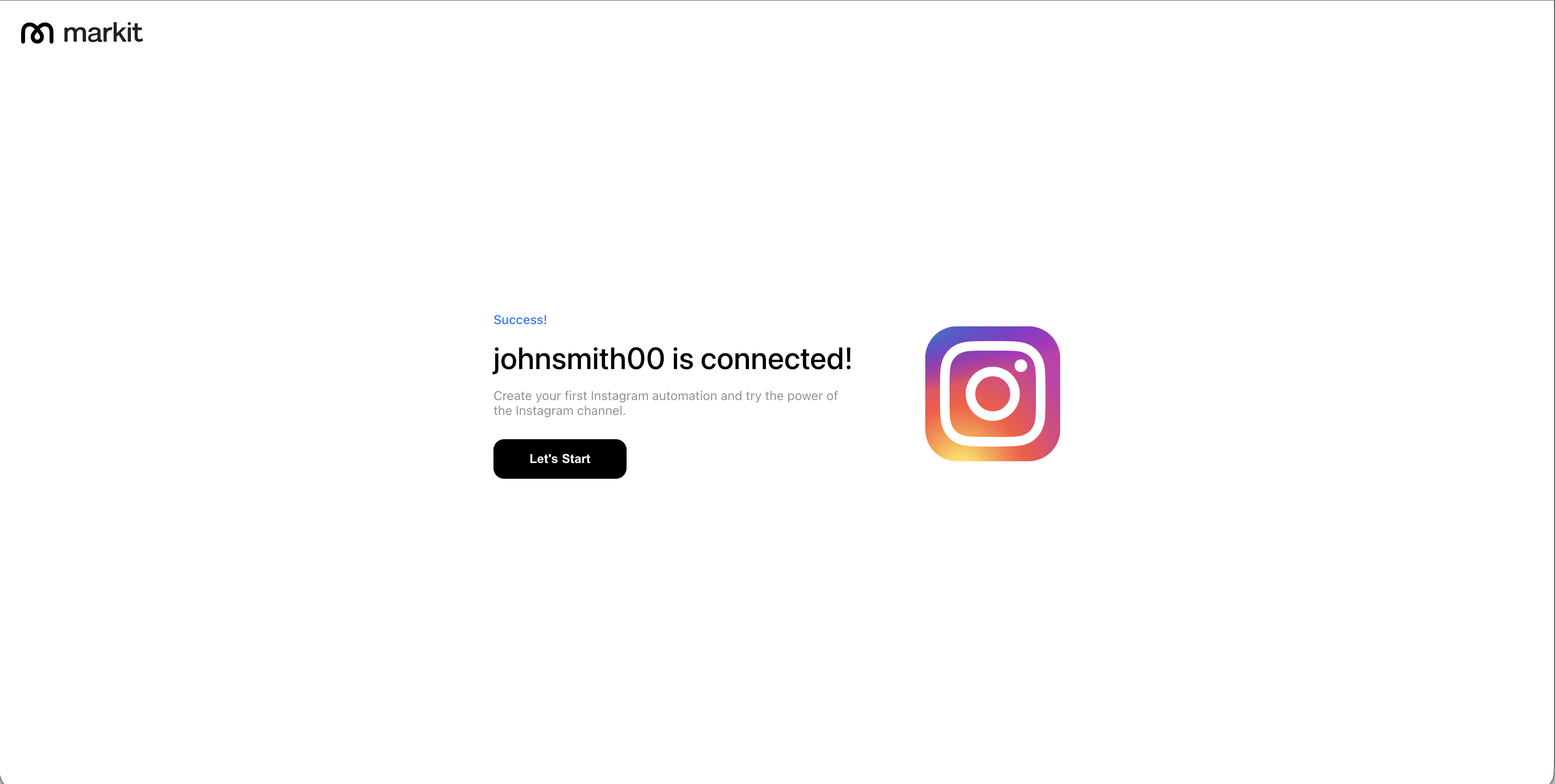
- Once authorized, you'll be redirected back to Markit. Your Instagram account will appear as connected.
Permissions
During authorization, Instagram shows Markit AI-IG and lists the permissions the app can access. You may see these five items:
| Permission | Why it's needed |
|---|---|
| Access your basic business information | Identify your connected Instagram business account |
| Access your business message information | Send automated DMs and read incoming messages for keyword triggers |
| Publish content as a business | Required for Markit to act on behalf of your business account through Instagram's API |
| Manage insights of a business | Access business account data needed to maintain your connection |
| Access your business comment information | Detect comment triggers on your posts |
Markit only uses these permissions to run your automations. For full details on how we handle your data, see our Privacy Policy and Terms of Use.
Multiple accounts
You can connect up to 5 Instagram accounts to a single Markit account — useful if you manage more than one brand or creator page. Each connected account runs its own independent set of automations.
Connect an additional account
- Navigate to Auto DM → Manage Connections. This section lists every Instagram account currently connected, each showing its profile picture,
@username, and a status dot (green Connected or orange Paused). - Tap Connect New.
- Complete the same Instagram authorization flow as your first connection.
Connect New is hidden once you've reached the 5-account limit.
Manage a connected account
Tap Manage on any account row to open its account settings, where you can:
| Action | What it does |
|---|---|
| Refresh Account | Re-syncs the account's connection with Instagram |
| Pause / Reactivate All Automations | Pauses or reactivates every automation on this account only — other connected accounts are unaffected |
| Disconnect Account | Disconnects this account only. Automations tied to it become inactive but are saved, and resume if you reconnect. Other connected accounts are unaffected |
Disconnecting from Markit doesn't revoke Markit's access on Instagram's side — to fully remove the connection, revoke Markit in your Instagram account settings as well.
Automations across multiple accounts
Each individual automation trigger is tied to one connected Instagram account, selected from an account dropdown when you set up the trigger (this dropdown only appears once you have more than one account connected). Since a single DM automation can contain multiple triggers, its triggers can each target a different connected account if you want one automation's logic to apply across several pages.
Frequently Asked Questions / Troubleshooting
If I disconnect my Instagram connection, will I lose all of my automations?
Nope! If you disconnect your IG from Markit, your automations will become inactive, but still saved in case you want to reconnect later.
I connected but automations aren't firing
For Markit Auto DMs to work properly, you'll need to disconnect any other apps that are overriding or managing your Instagram DMs. Having your Instagram account connected on other automation platforms may cause issues with your connection on Markit.