 Markit | Docs
Overview
Start converting your followers into SMS subscribers via social media messages.
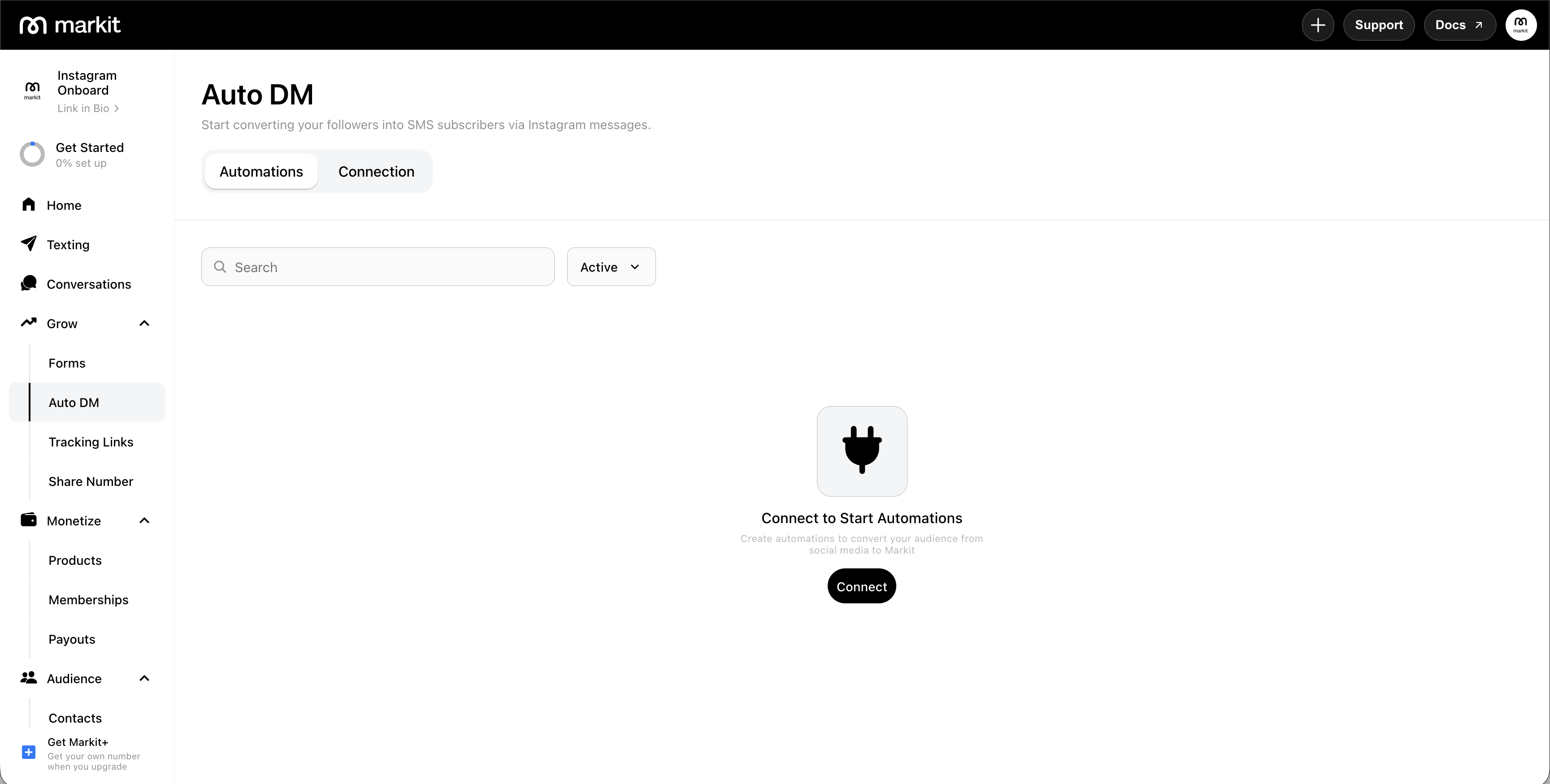
Auto DM lets you automatically send direct messages to people who engage with your social media content — like when users comment on an Instagram Post or Reel, or a post on your Facebook Page. When someone triggers an automation, they receive a DM, and if they opt in, they're added directly to your Markit audience as a contact.
Auto DM currently supports Instagram and Facebook Pages (Messenger).
How it works
- Set a trigger — choose what action kicks off the automation: a comment on a post, a story reply, or a DM keyword.
- Write the DM — craft the message that gets sent automatically when someone triggers it.
- Capture the contact — if the person shares their phone number, they're added to your Markit audience and you can text them like any other contact.
Why use Auto DM
- Turn passive social media engagement into real, owned contacts
- Respond to high-volume posts instantly without manual effort
- Drive signups, ticket sales, or product drops directly from Instagram or Facebook
- Build your text list from the audience you're already growing on social
Requirements
All platforms require a Markit+ Subscription. Each platform also has its own requirements:
Instagram — see Connect Instagram
- An Instagram Business or Creator account
- Your Instagram account connected to a Facebook Page
Facebook — see Connect Facebook
- A Facebook Page (not a personal profile)
- Admin access to that Page
Instagram vs. Facebook
The two work almost the same way. The main differences:
| Feature | ||
|---|---|---|
| Connects to | Instagram Business or Creator account | Facebook Page you're an Admin of |
| Watches | Comments on Posts and Reels, Story replies, and DM keywords | Comments on Posts |
| Require Follow | Available | Not available — Facebook doesn't let apps verify follows |
| Send as Text | Available | Available |
Auto DM support for additional platforms will be added over time. If you have a platform request, contact support.